AI-Powered Content Generation Plugin
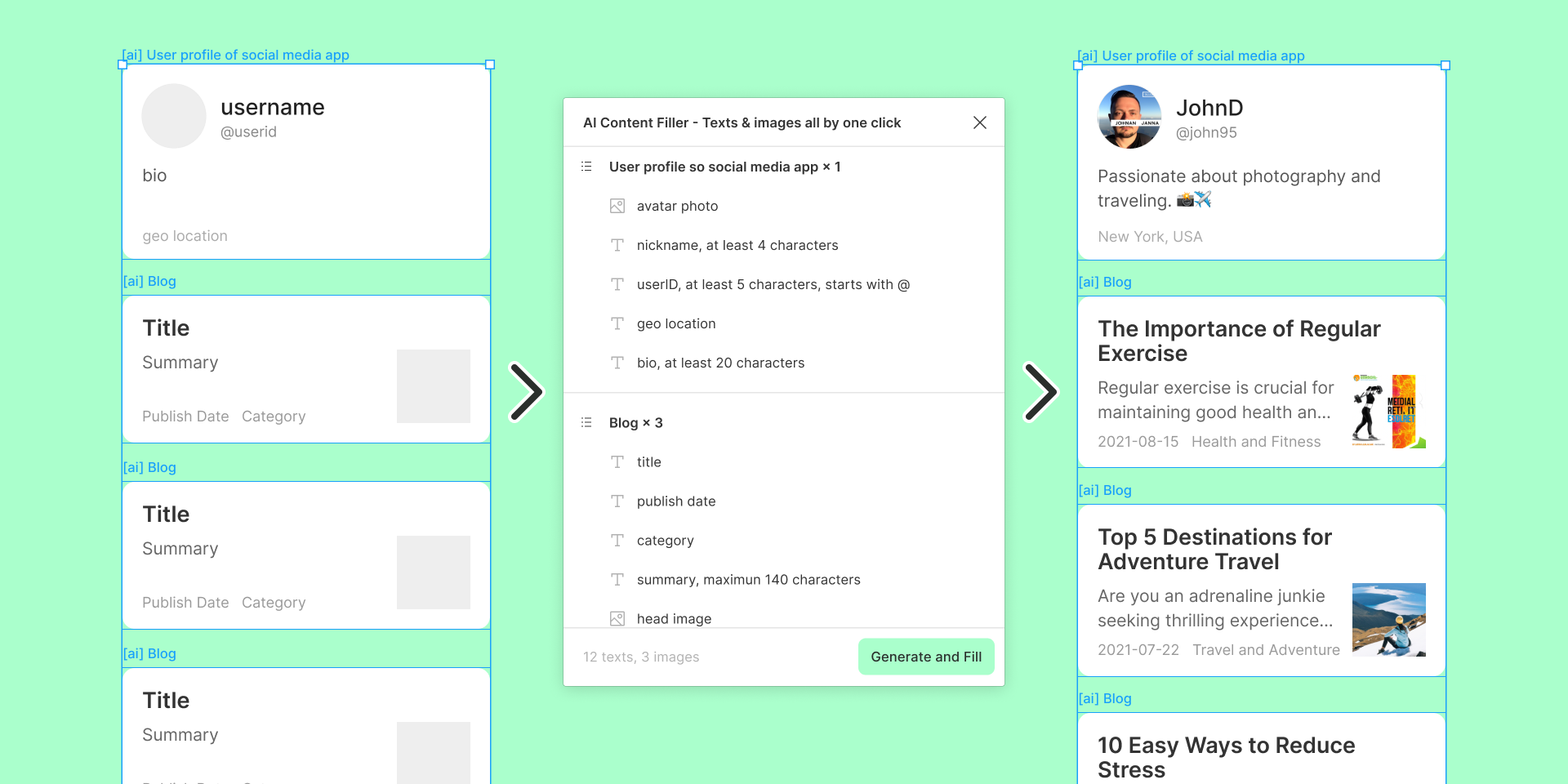 Install on Figma
How to use
With AI Content Filler
you can generate and fill...
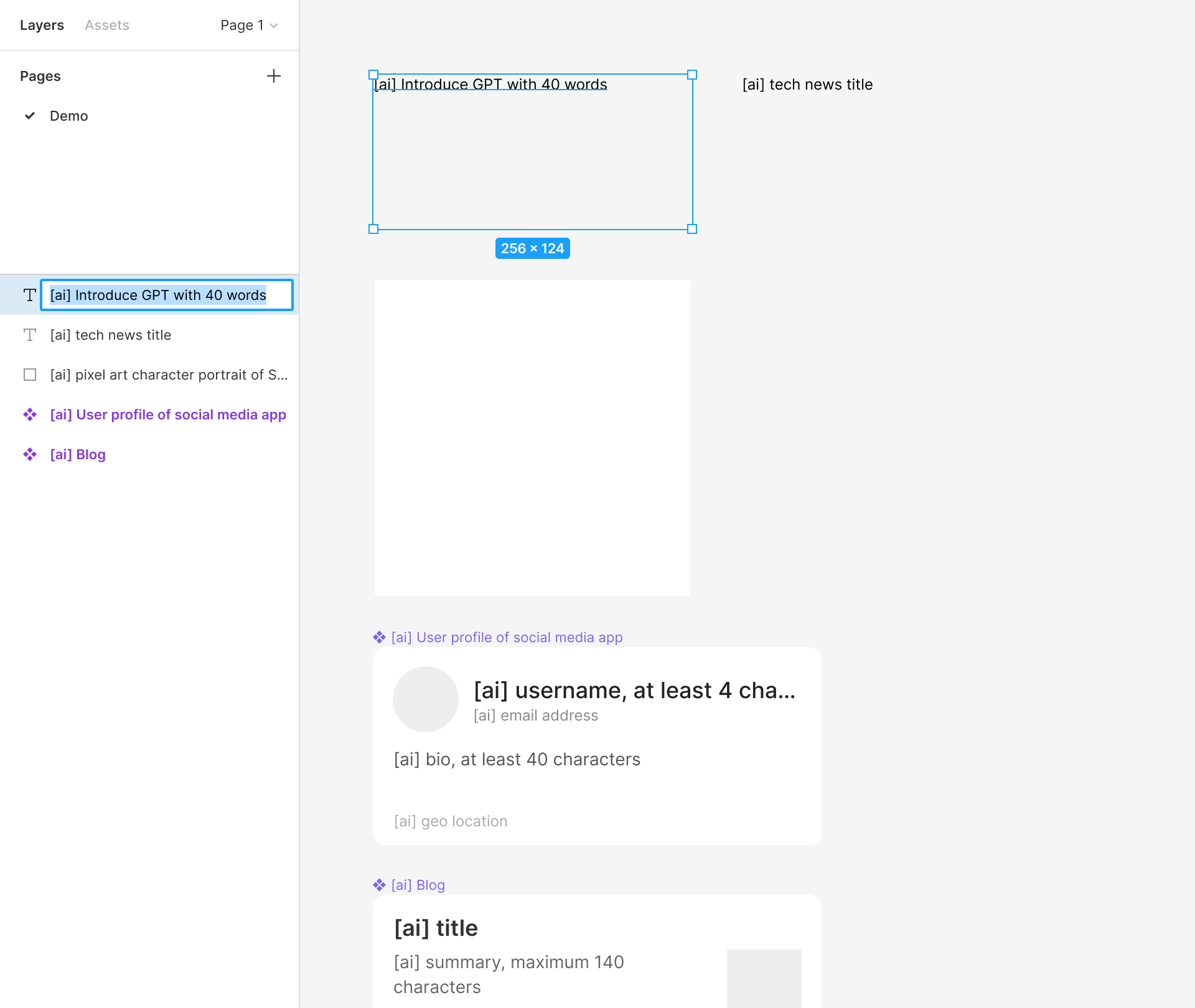
Setup Prompts
Rename the layer or group to which you want to apply the AI-generated content, starting with [ai].
Select Layers
Select one or multiple renamed layers or groups. Layers with appropriate prompts will display in the plugin panel.
Generate and Fill
Click the "Generate and Fill" button at the bottom of the plugin panel. The watch the magic happen!
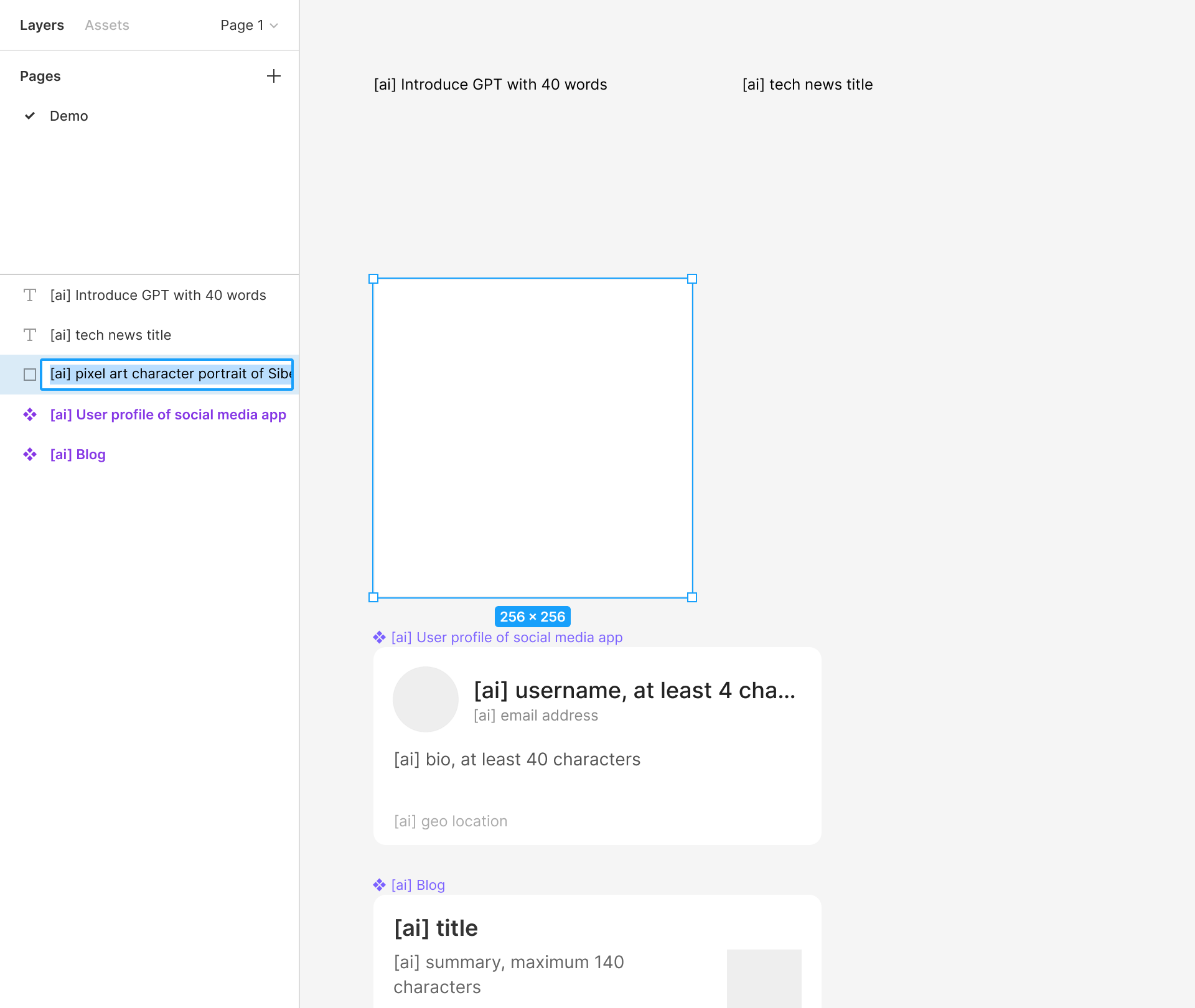
Setup Prompts
Rename the layer or group to which you want to apply the AI-generated content, starting with [ai].
Select Layers
Select one or multiple renamed layers or groups. Layers with appropriate prompts will display in the plugin panel.
Generate and Fill
Click the "Generate and Fill" button at the bottom of the plugin panel. The watch the magic happen!
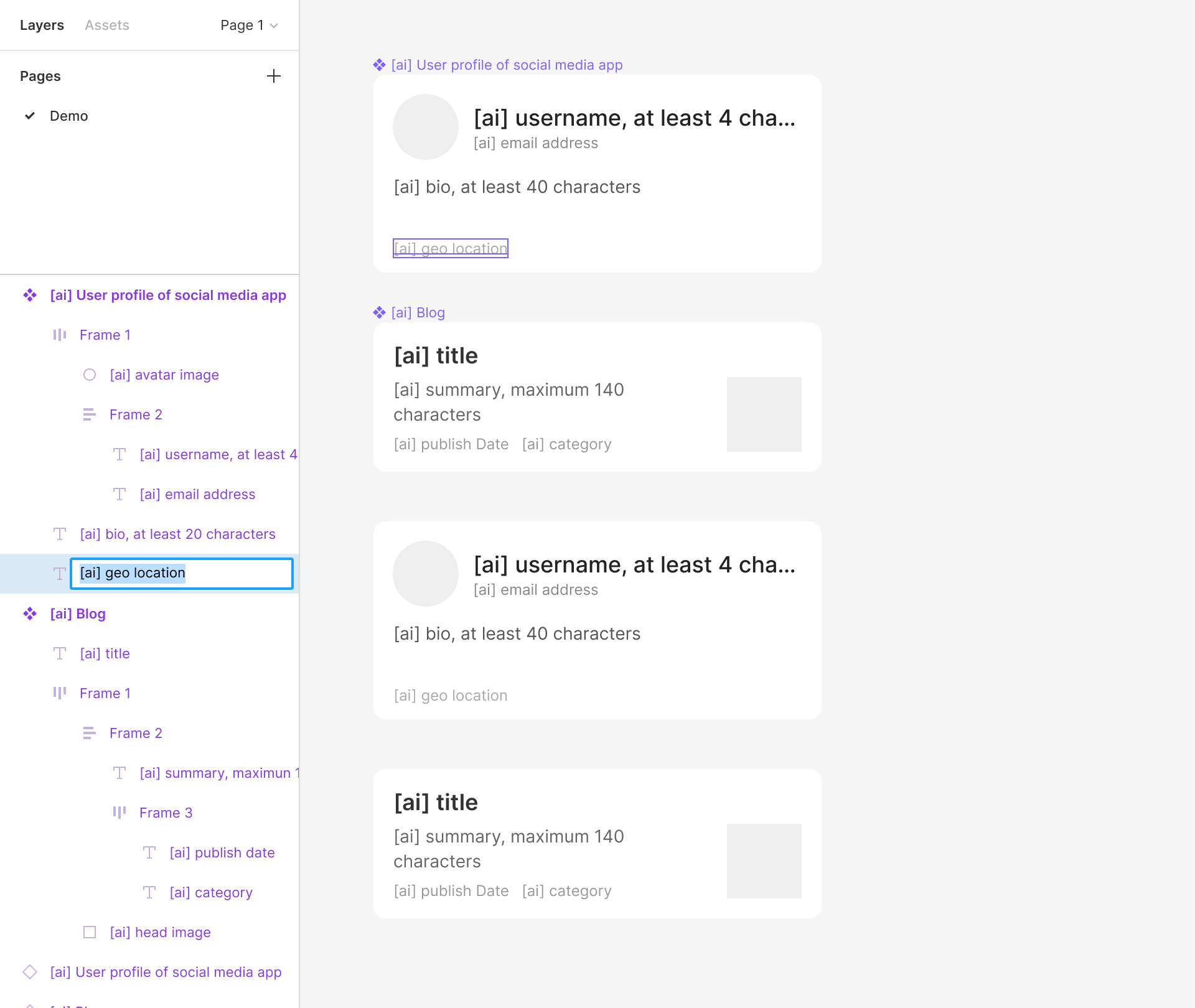
Setup Prompts
Rename the layer or group to which you want to apply the AI-generated content, starting with [ai].
Select Layers
Select one or multiple renamed layers or groups. Layers with appropriate prompts will display in the plugin panel.
Generate and Fill
Click the "Generate and Fill" button at the bottom of the plugin panel. The watch the magic happen!
Pricing
Pay for what you used
1 Credit per text layer
≈ $0.005
10 Credits per image layer
≈ $0.05
Free to use your own API key
OpenAI Supported